
I have been using GLM's calibration feature since version 4.x.x, and I have kept my setup unchanged for a long time since my room layout remained the same. However, after recently rearranging my room, I attempted to recalibrate my system for the first time after updating to version 5.1.1.
Unlike before, when I run Auto Cal, a single sine sweep occurs from my left speaker in my 2.1 channel setup, but then the process does not proceed any further, no matter how long I wait. I have tried changing USB ports and replacing the cables, but the issue persists.
My setup consists of:
- Speakers: 8330 (2 channels) + 7350 (1 channel), forming a 2.1 system.
- Behavior: Auto Cal Microphone input and all speaker status indicators ( showing dBSPL, mute, solo, power on/off, etc.) appear to function normally.
- Issue: The Auto Calibration process does not proceed beyond the first sine sweep from the left speaker.
Could you please help me resolve this issue?
1
Comments
Apologies for the delay on reply.
Please make sure firmwares are up-to-date. Click here for instructions.
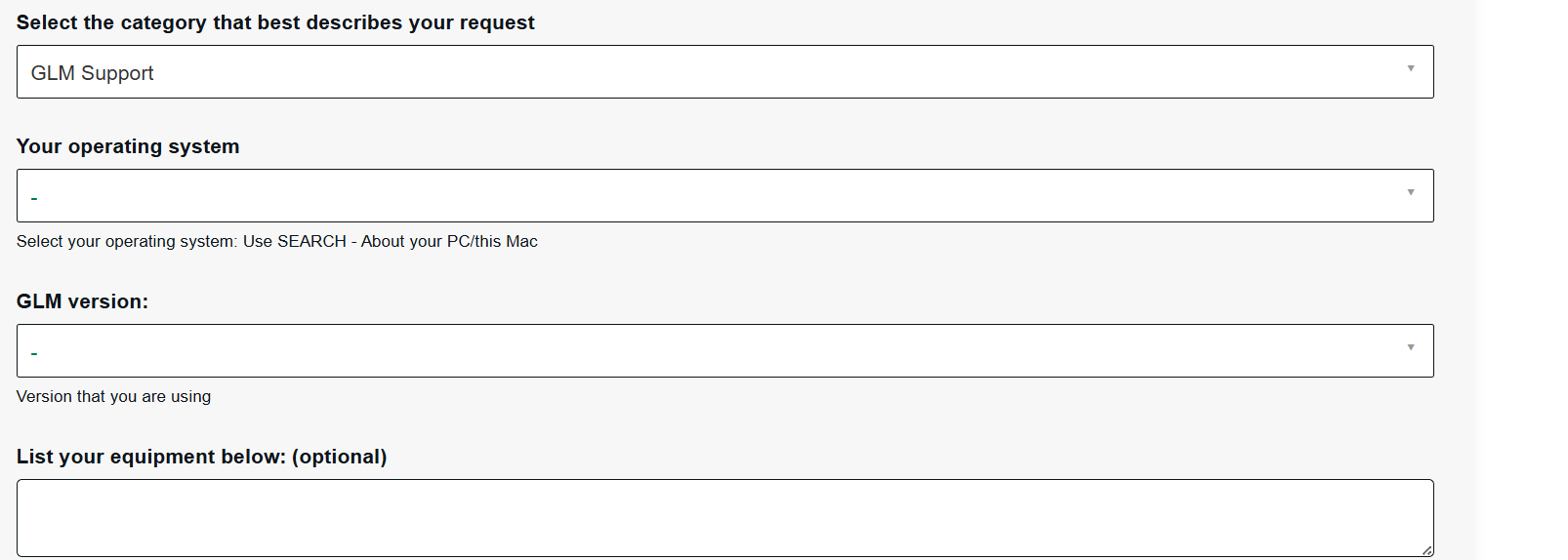
Would you be kind and please create a ticket if the problem still exists. Please also fill the required additional information regarding the operating system as well.
You can create a ticket by clicking this.
I have the same issue with a new 5.1 setup using 7350 + 5 8320s
Just tried autocal with 2.1, and same thing - single sweep and then nothing except the light on the left speaker flashing green.
Please sign in to leave a comment.