
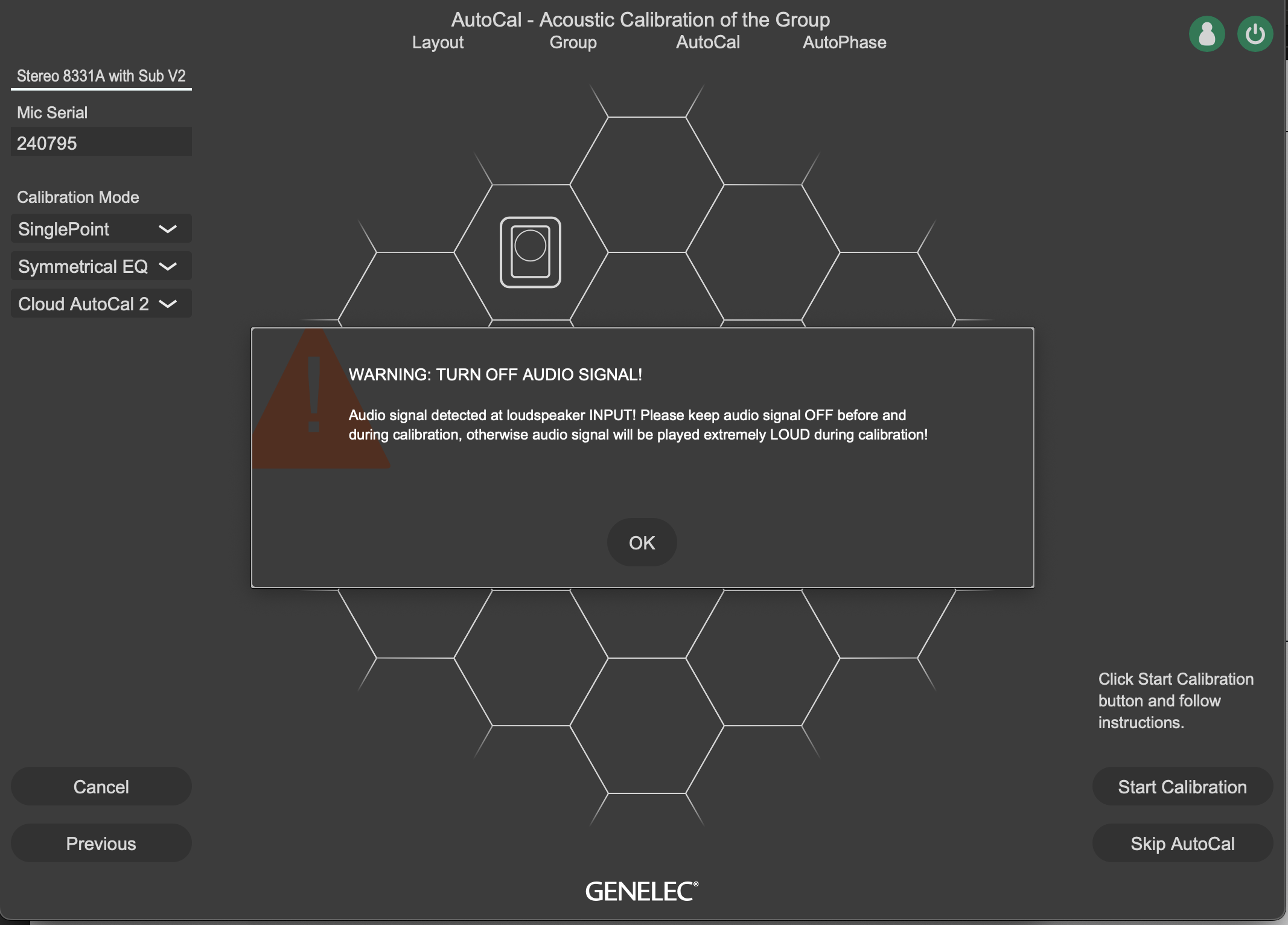
Hi there - I am attempting my first GLM setup with the 9320A, two new 8331A and a 7350 sub. When I get to the calibration stage I get this warning and cannot seem to figure out how to do what it is instructing me to do. I have the 9320 input set to USB and output set to digital (9320 digital out to sub, then daisy chained to right then left speaker). I am not playing anything back but am consistently getting this warning. Please advise, thanks.
0
Comments
Click the 9320 icon in the layout, followed by "settings", then "I/O", is the "Digital Output" set to "GLM (fixed)"?
Also just to confirm, you start with the 9320, then ethernet and XLR/EBU to 7350, then ethernet and XLR/EBU to right speaker, ending in ethernet and XLR/EBU to left speaker?
I have read about people not connecting the XLR/EBU cables.
Also make sure you are connecting to the Digital In on all speakers. (Plug closest to the GLM network plugs)
Please sign in to leave a comment.